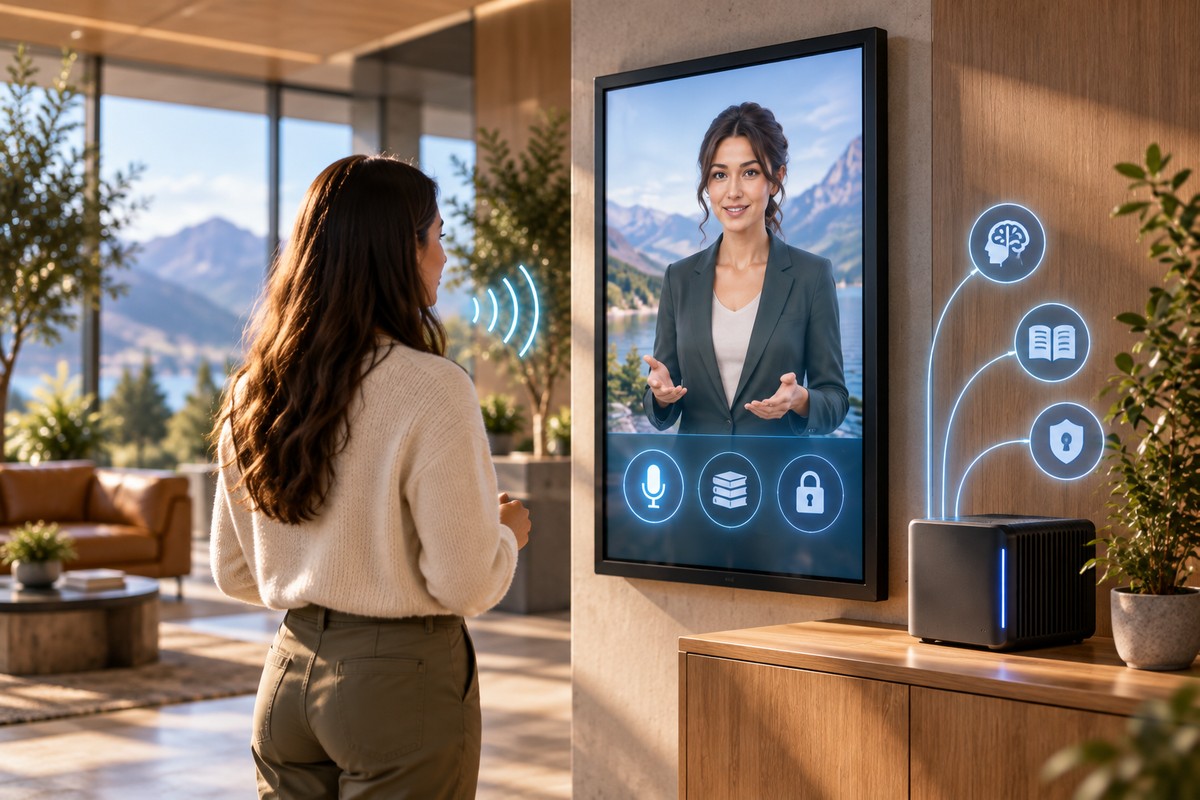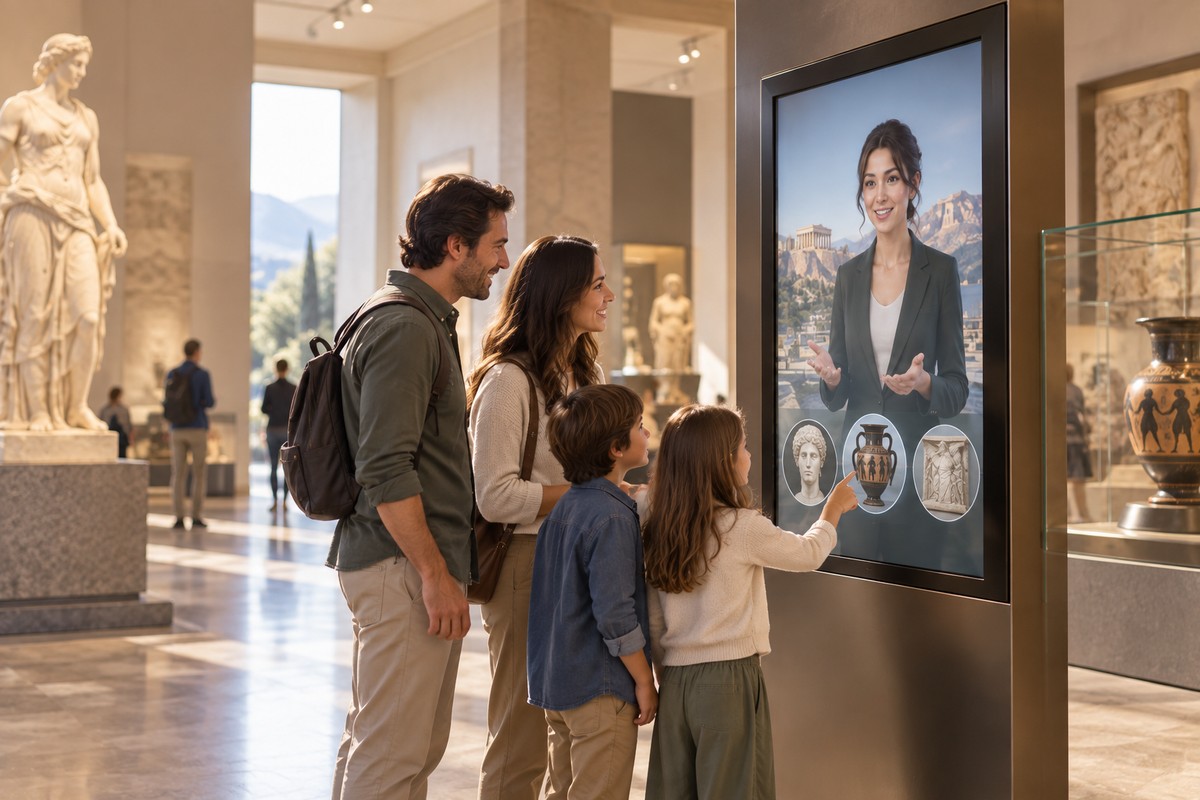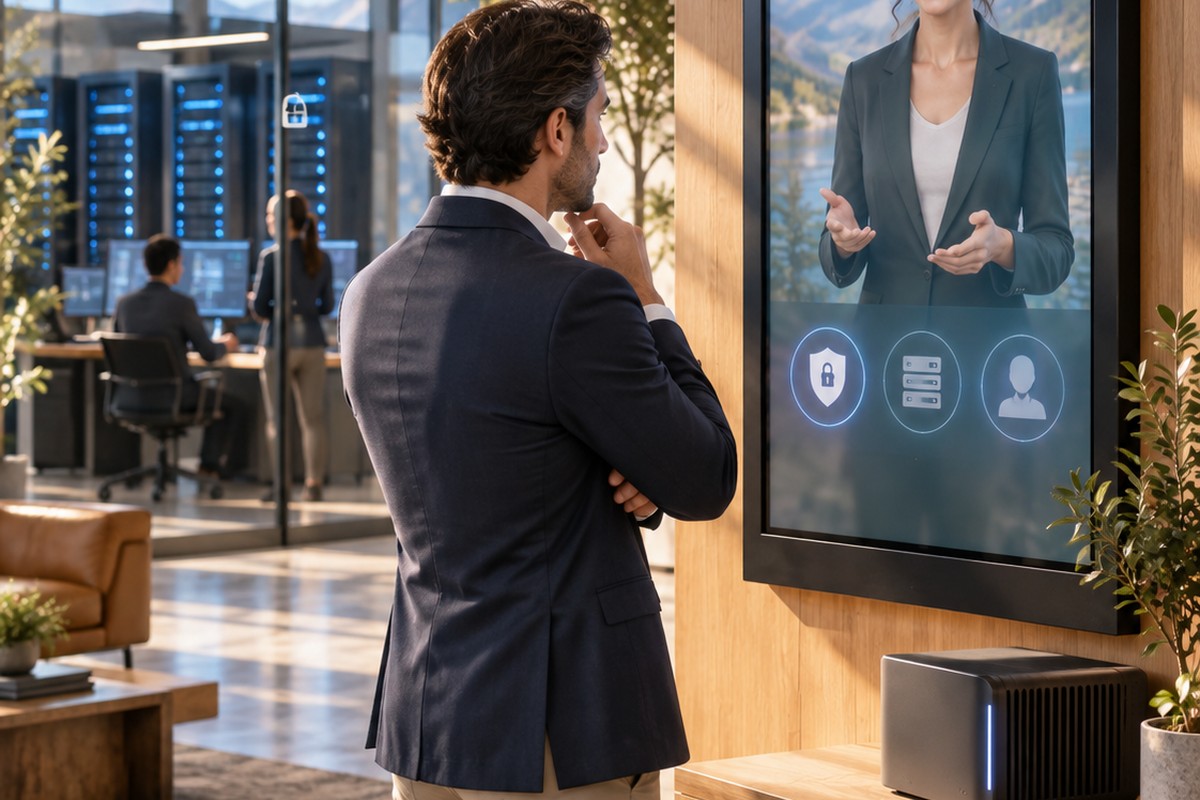
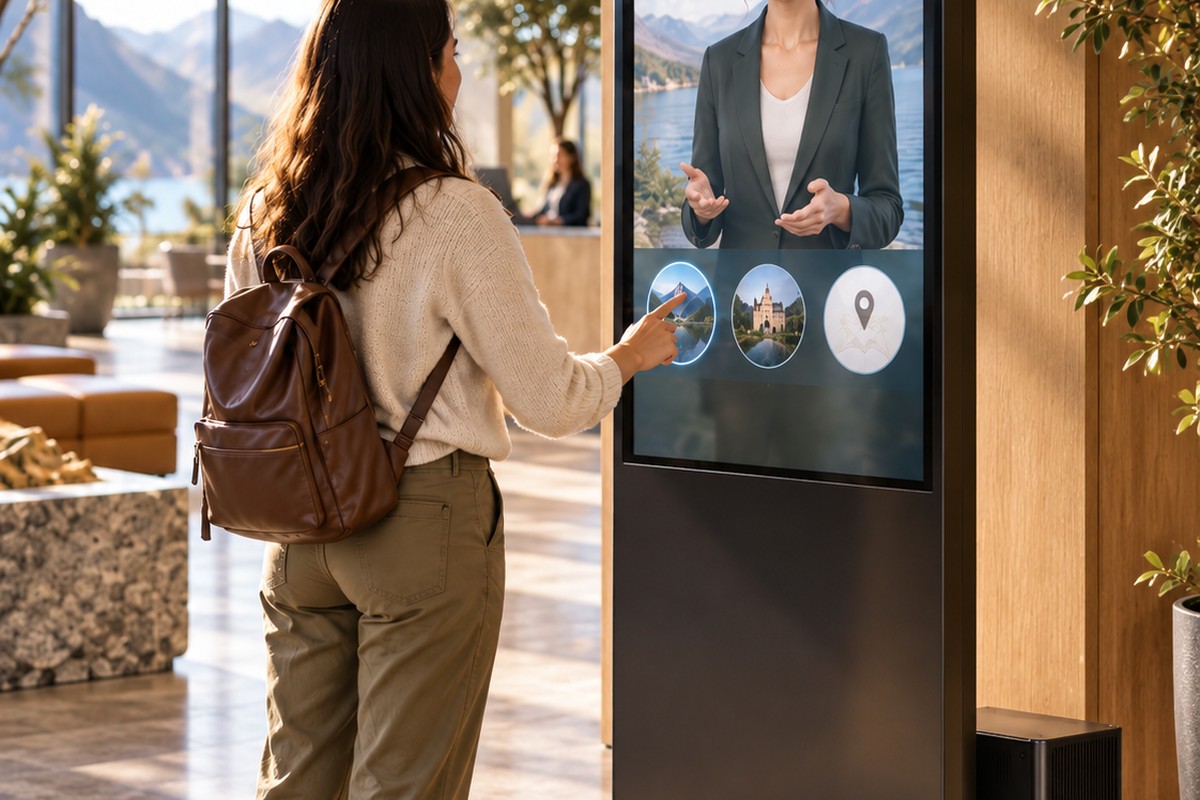
An AI avatar kiosk is a self-service digital display that lets a visitor speak or type to a virtual character and receive an immediate answer. It combines the physical convenience of a kiosk with the more natural interface of a conversational AI avatar.
Instead of navigating a deep menu, the visitor can ask a question in ordinary language: 'Where is the exhibition?', 'What time does the next tour start?', 'Which product is right for me?' or 'Can you explain this process?' The avatar can then respond using approved information supplied by the organisation.
What is inside an AI avatar kiosk?
The visible parts are familiar: a screen, computer, speakers and often a microphone. The difference is the software. A conversational kiosk needs speech or typed input, a controlled knowledge source, conversational logic, voice output and the avatar itself.
Depending on the use case, it may also include a touch interface, QR scanner, camera, ticket reader or integration with booking and information systems. Those extras should support the job the kiosk is meant to do rather than turning the installation into an unnecessarily complex terminal.
Where are avatar kiosks useful?
Avatar kiosks are well suited to places where people repeatedly need information but a member of staff cannot be positioned at every point. Museums and visitor attractions can use them for interpretation, wayfinding and practical questions. Reception areas can use them for directions and service information. Training sites can provide an always-available digital instructor. Retail or product environments can use them to help visitors understand options and find the right next step.
The best kiosk roles are specific. 'Answer anything' is a weak brief. 'Help visitors understand this exhibition and find facilities' is much easier to design, test and maintain.
Why use an avatar instead of a menu?
Menus work well when the options are known and limited. Conversation is useful when people describe the same need in many different ways. A visitor may not know which button matches their question, but they usually know how to ask it.
A character can also create a recognisable front door to the information. For museums, attractions and branded environments, that can make the kiosk feel like part of the experience rather than a generic touchscreen.
Can an AI kiosk work offline?
Yes. If the speech, conversation, knowledge, voice and avatar software run locally, the kiosk can continue providing its core experience without a continuous internet connection. That is valuable in buildings with weak connectivity and in deployments where the organisation wants the runtime to stay on-site.
Internet access can still be used for features that require current external data, such as bookings, ticket links, live transport information, vouchers or remote software updates. The kiosk can be designed so those features are optional rather than a single point of failure.
What should the physical design consider?
Conversation quality is only one part of the kiosk. The microphone must work in the expected background noise. Speakers need to be audible without disrupting the room. Text should remain readable. Controls need to be reachable. The screen height, wheelchair access, captions and alternative typed input all affect accessibility.
Public installations also need a clear reset behaviour so one visitor's session does not interfere with the next. If conversation history is stored, consent, retention and staff access must be designed deliberately.
What content should the kiosk know?
Start with the questions people already ask staff. VoxaGuide can use existing approved information behind those questions, so the project does not have to begin by manually writing every possible response. Test real visitor phrasing, add clear fallback behaviour and then expand based on observed demand.
Conversation logs and topic trends can be useful here because they show what visitors are actually asking, where information is missing and which physical signs or processes may need improvement.
Frequently asked questions
Is an AI avatar kiosk the same as a self-service kiosk?
It is a type of self-service kiosk, but the main interface is conversational rather than being limited to buttons and menus.
Does the kiosk need a keyboard?
Not always. Speech, touchscreen text input or both can be offered depending on the environment and accessibility requirements.
Can a kiosk use our own branding and character?
Yes. A business-focused avatar can be designed with a specific appearance, voice, role and approved knowledge rather than using a generic stock presenter.
Can it keep working if the internet fails?
Yes, if the required conversational components are installed locally. Only features that genuinely need live external data would be affected.
Turn this idea into your own avatar.
Tell us who your avatar should help, what it needs to know and where it will appear. We will discuss a focused first deployment around that job.
Discuss your avatar