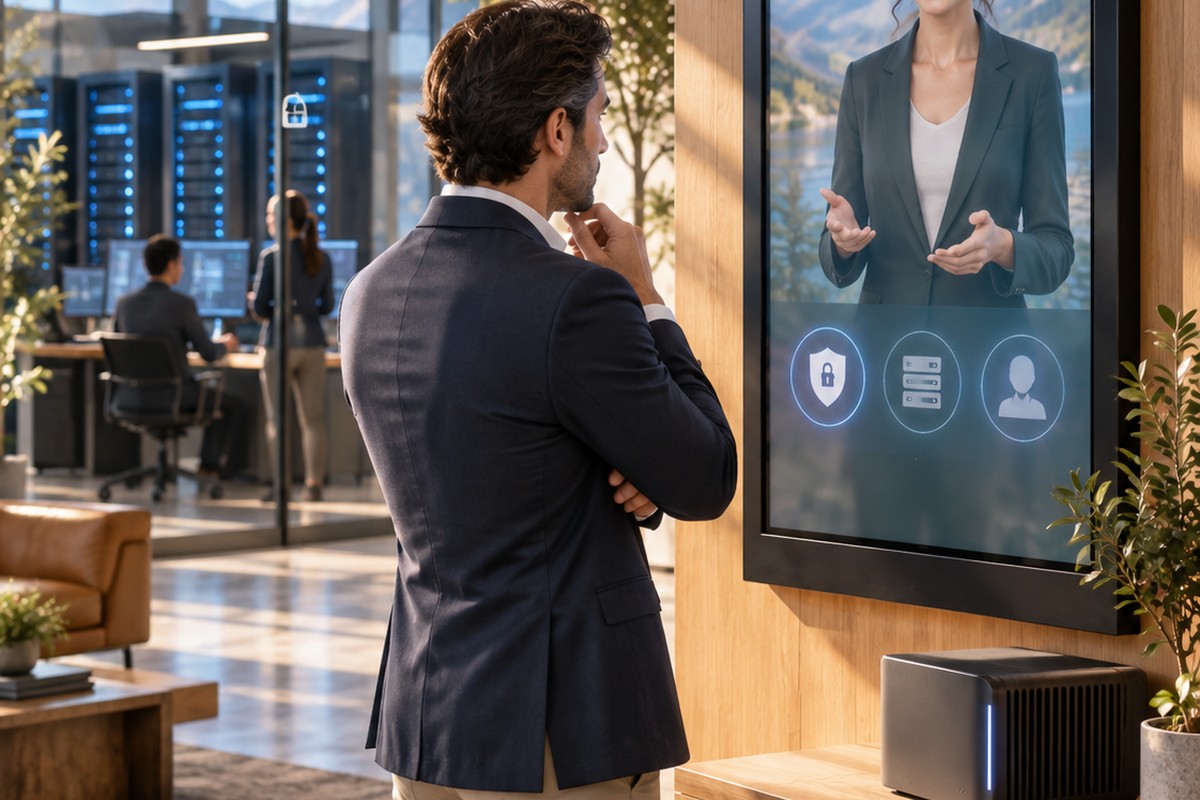
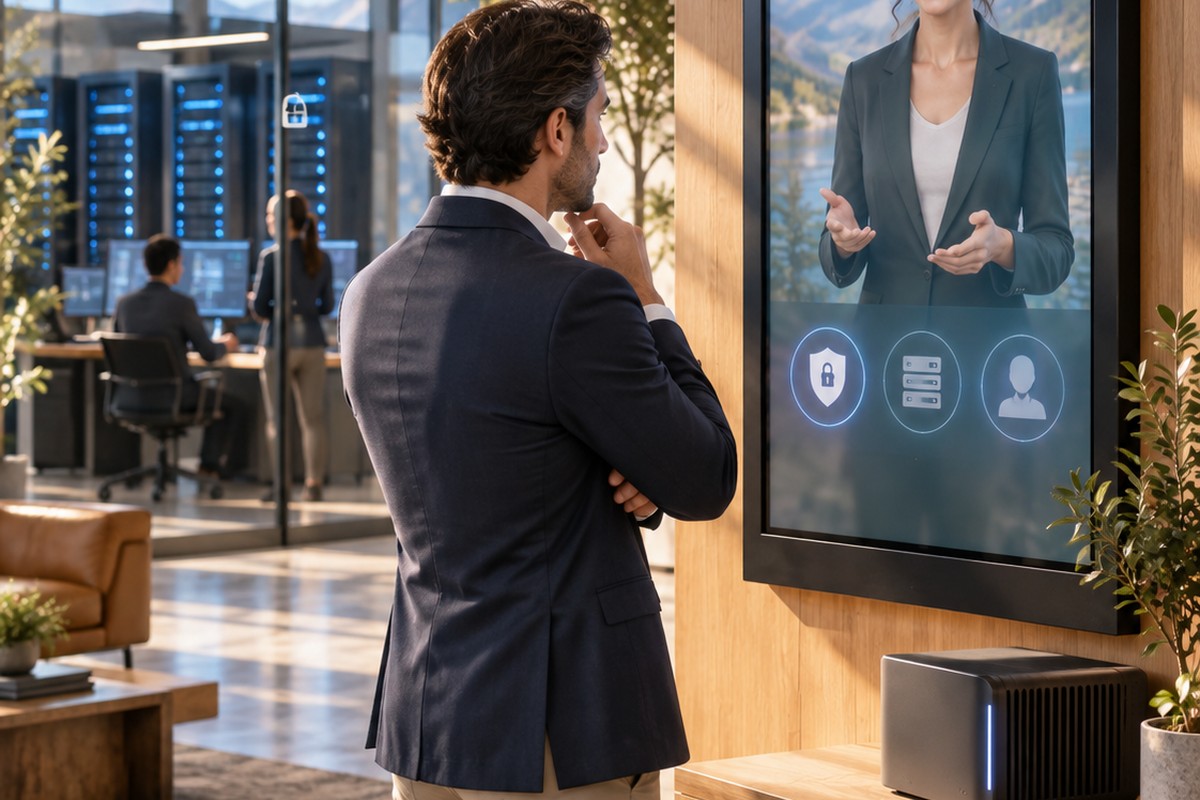
An on-premise AI avatar runs its core conversational system on hardware controlled by the organisation or installed at the site, rather than depending on external cloud APIs for every interaction. That can include speech recognition, language processing, approved knowledge, voice synthesis and the avatar renderer.
For organisations considering private deployment, the attraction is not simply 'offline AI'. It is the ability to make deliberate decisions about where information is processed, what leaves the site, how the system is updated and how operating costs are structured.
What on-premise means in practice
On-premise does not have to mean a server room full of infrastructure. A deployment might be a powerful workstation inside a kiosk, a local PC serving one experience, or a managed machine on an internal network. Larger organisations may centralise several avatars on local servers.
The correct design depends on concurrency, model size, response-speed requirements, graphics quality, security policy and how many locations need to be supported.
Privacy and data control
Keeping the conversational pipeline local can reduce the amount of data that needs to be sent to external providers. Approved avatar knowledge can remain within the local environment, and conversation history can be stored locally if the organisation chooses to retain it.
However, on-premise is not a synonym for compliant or secure. The organisation still needs user permissions, retention rules, encryption where appropriate, operating-system security, physical security, backups and a clear lawful basis for any personal data it processes. If online integrations are added, their data paths need separate review.
Cost: capital, support and usage
Cloud AI often shifts cost towards recurring usage. On-premise deployment shifts more of the cost towards hardware, initial setup, maintenance and support. Neither model is automatically cheaper in every case.
A useful comparison includes the expected number of conversations, external API fees, device cost, electricity, replacement cycle, remote support, on-site support, software updates and the staff time required to maintain content. For high-use public installations, removing a per-conversation external AI charge can make costs more predictable.
Hardware planning
Some local digital humans need GPU acceleration, especially when a heavy real-time renderer and large speech or language models run on the same machine. VoxaGuide avatars are designed to run in the browser, so mid-range phones and laptops run them comfortably and kiosks don't need expensive GPU systems. Hardware should be chosen around tested workload rather than theoretical model size.
Important questions include response latency, thermal behaviour, memory headroom, storage, start-up recovery, remote administration and what happens after a power interruption. A reliable kiosk is an operational system, not just a demonstration PC.
Updates and maintenance
Cloud software is updated by the provider. On-premise software needs a defined update path. That may involve scheduled downloads, controlled remote management, local packages or manual maintenance for isolated environments.
Content updates also need governance. The organisation should remain in control of what information the avatar is allowed to use, with a clear review and update process as that information changes.
Connected services can remain optional
On-premise does not mean the avatar must be disconnected from the world. The core conversation can remain local while specific connections are allowed for current information, bookings, ticketing, CRM actions, voucher generation or other services.
This is often the most practical architecture because it keeps essential behaviour under local control without giving up useful live integrations.
Questions to ask a supplier
Ask which parts of the system can genuinely run locally. Ask whether speech and voice still call external services. Ask where approved knowledge is stored. Ask what happens when the internet connection is removed. Ask how updates are signed and delivered. Ask what usage fees remain. Ask how conversation logs are controlled. Ask who can access the system remotely.
These questions reveal much more than a simple 'private AI' label.
Frequently asked questions
Is on-premise the same as offline?
Not exactly. On-premise describes where the system runs. It may still be connected to the internet. Offline describes whether the core experience can operate without that connection.
Does on-premise remove all recurring costs?
No. Hardware support, electricity, maintenance, software support and updates still have costs. It can remove the need for some usage-based external API charges.
Can an on-premise avatar use cloud services selectively?
Yes. A hybrid design can keep the core runtime local while authorising specific external integrations.
Is an on-premise avatar automatically GDPR compliant?
No. Compliance depends on the complete processing design, purpose, data types, retention, security, notices, contracts and organisational responsibilities. Local processing can support data-control goals but is not a legal guarantee.
Turn this idea into your own avatar.
Tell us who your avatar should help, what it needs to know and where it will appear. We will discuss a focused first deployment around that job.
Discuss your avatar