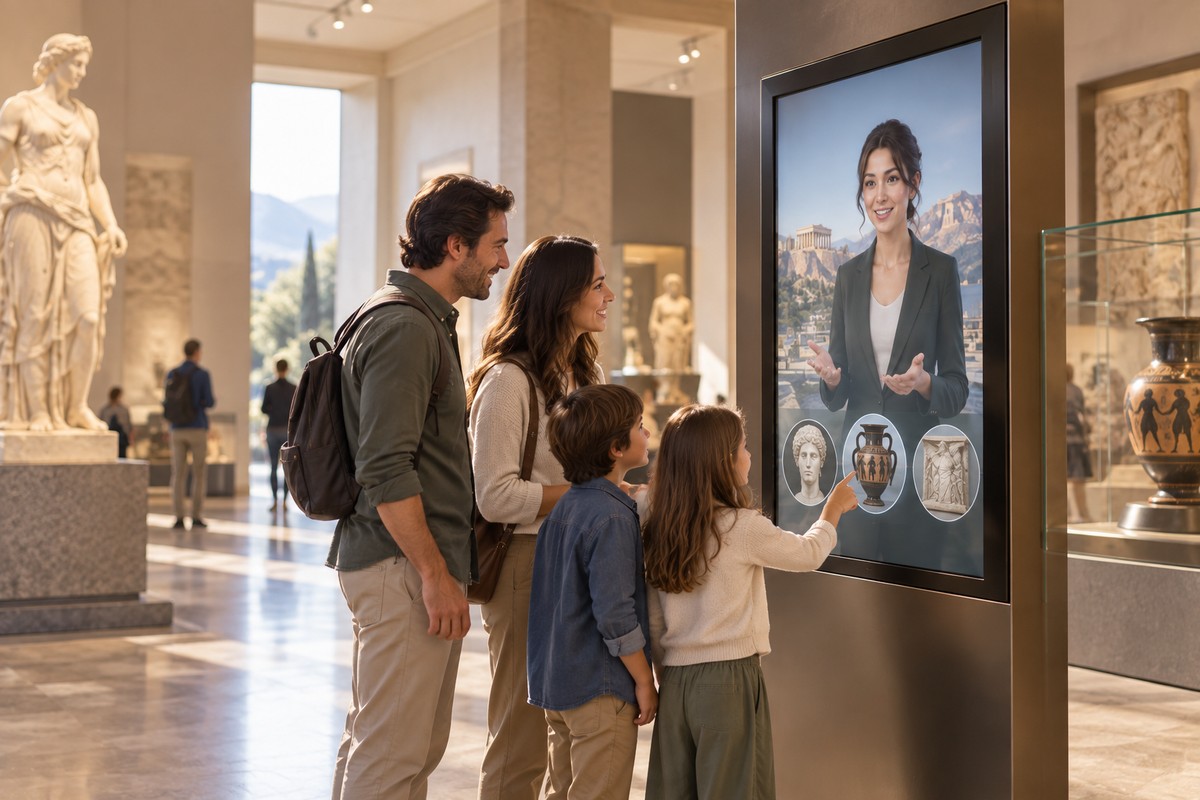

Museums and heritage sites have a recurring challenge: they hold far more knowledge than can fit on a label, panel or single audio track. An interactive AI avatar can give visitors another way into that material by letting them ask questions in their own words.
The strongest museum projects do not begin with 'we need an AI character'. They begin with a visitor problem. Perhaps people struggle to find galleries, want more context about particular objects, need information before arriving or repeatedly ask staff the same practical questions. The avatar is then designed around that job.
1. Object and collection interpretation
A conversational guide can answer the follow-up questions that static interpretation cannot predict. A visitor can ask what an object was used for, why it matters, how old it is or what happened next.
The guide should be grounded in museum-approved interpretation and collection information. That preserves editorial control while making the material easier to explore.
2. Historical and fictional hosts
A visual character can give the experience a strong identity. That might be a contemporary museum guide, an original fictional host or, where rights and historical framing are appropriate, a historical person.
The character should never become an excuse to invent facts. Clear separation between documented information, interpretation and creative framing is essential, especially when the avatar speaks with apparent confidence.
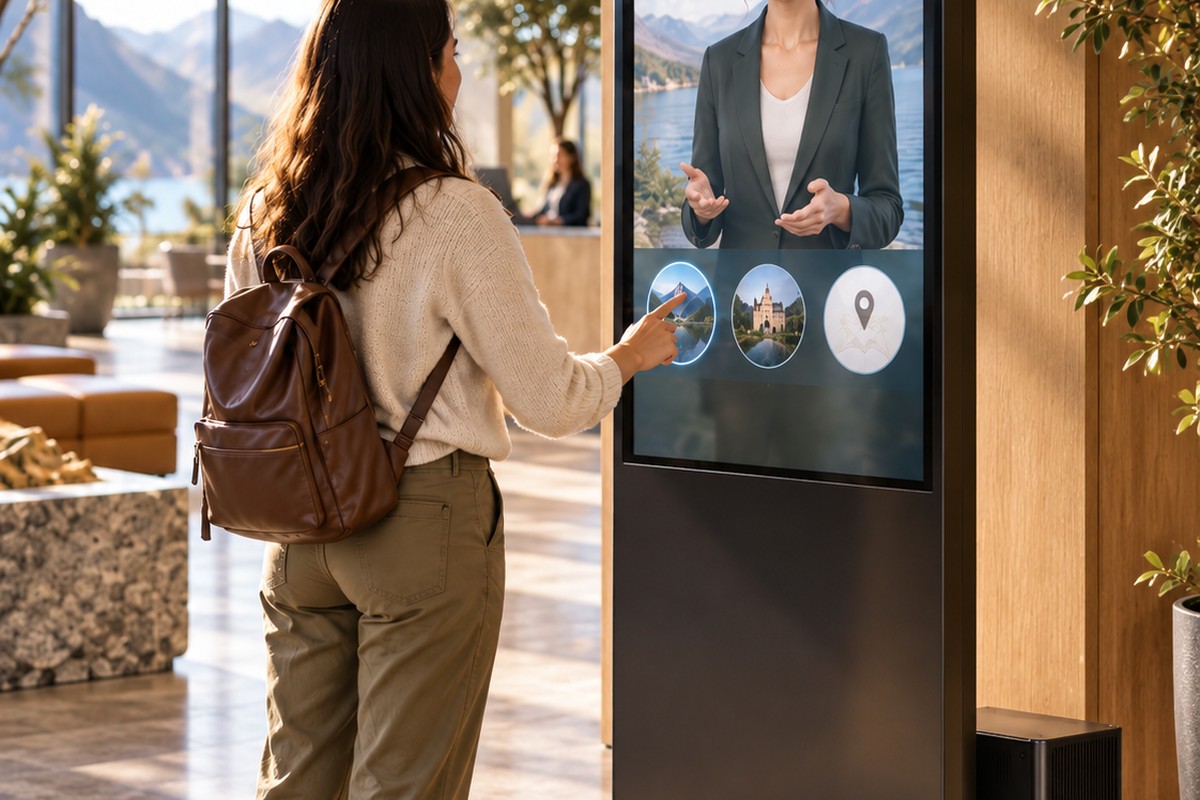
3. Wayfinding and practical visitor questions
Museums receive a large volume of repeatable questions about toilets, lifts, accessible routes, cafés, exits, galleries, event locations and opening information. An AI guide can make that information conversational.
These questions are not secondary to the visitor experience. If people cannot find what they need, they spend less time engaging with the collection. Conversation data can also reveal recurring wayfinding problems that signage or floor layouts may need to address.
4. Kiosks inside the venue
An avatar kiosk can provide a visible point of help without requiring the conversation to depend on the cloud. A local deployment can keep core collection information and visitor guidance available on-site, even where connectivity is poor.
The kiosk should still be designed as a public installation: good microphone placement, captions, typed input, reachable controls, clear session resets and a plan for accessibility all matter.
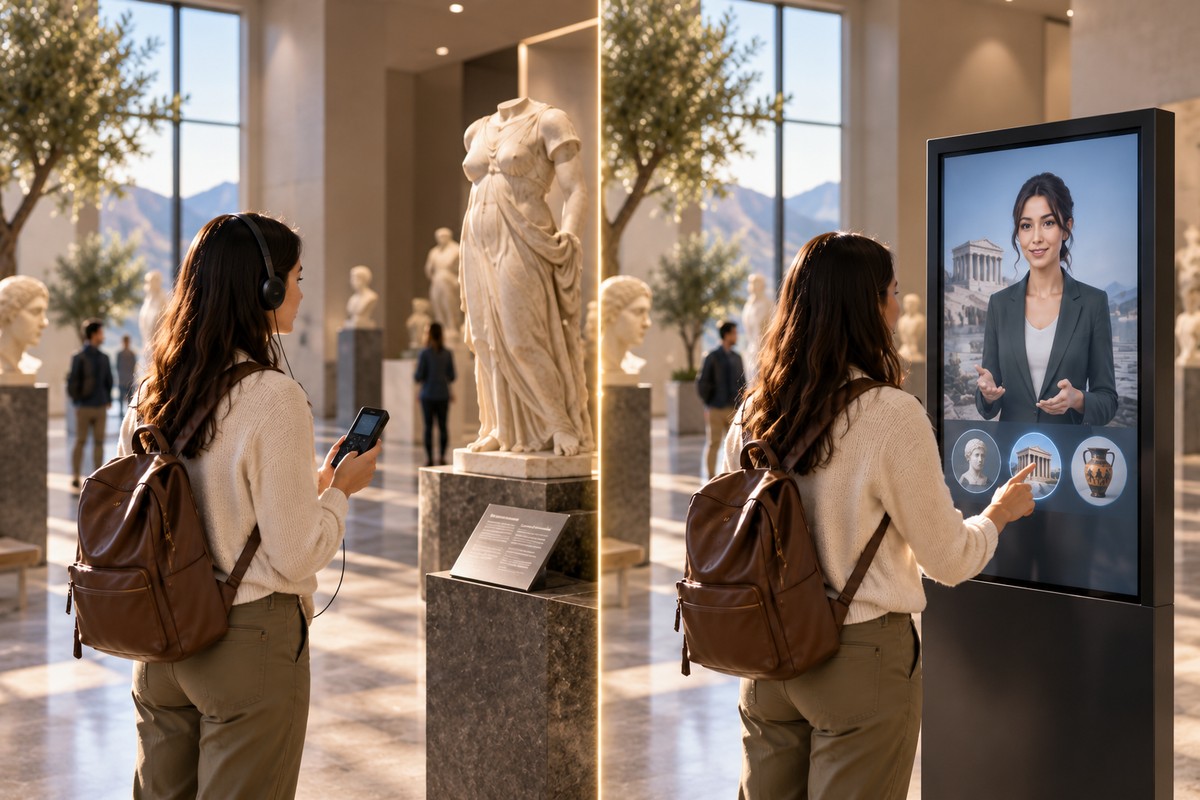
5. A guide on visitors' own devices
The same character can also be used on a mobile web experience. Before the visit, it can help people plan. During the visit, it can support object questions and links to live venue information. After the visit, a consent-based history feature can help people revisit topics they explored.
This continuity is useful because the museum relationship does not have to end when the visitor walks out of the building.
6. School visits and learning
An avatar can support different depths of explanation without replacing educators. A school group may need a concise age-appropriate explanation, while an adult learner may want greater detail. Guided question prompts can also encourage observation rather than simply delivering answers.
For formal learning, the museum should decide which educational outcomes the character is designed to support and test the content with the intended age group.
7. Visitor insight from real questions
A conversational interface produces a different kind of feedback from a conventional page view. With suitable consent and data controls, authorised staff can review recurring topics, unanswered questions and patterns in what visitors ask.
That can help museums improve interpretation, signage, FAQs and staff preparation. Automated emotion indicators may also be used as supporting signals, but they should not be treated as definitive measurements of how a visitor felt.
How to start a museum AI avatar project
Choose one audience and one useful job. Start from information the museum already approves and maintains. Decide where the guide will appear. Test it with real visitor phrasing. Record the questions it fails to answer. Improve the content before adding more features.
A focused pilot is more informative than launching a character with a vague instruction to 'know the whole museum'.
Frequently asked questions
Can an AI avatar replace museum educators?
It is better used as an additional access point to information. Educators and front-of-house teams provide judgement, empathy, group facilitation and specialist interaction that a kiosk does not replace.
Can it be used in a listed or historic building with poor Wi-Fi?
Yes. A locally deployed avatar can provide its core conversation without continuous internet access, subject to suitable power and hardware installation.
Can the museum control what it says?
The guide can be grounded in approved content and bounded by a defined role. Museums should still test responses and maintain a clear editorial process for updates.
Turn this idea into your own avatar.
Tell us who your avatar should help, what it needs to know and where it will appear. We will discuss a focused first deployment around that job.
Discuss your avatar